
Your Cellular Vitality Index™
An at-a-glance summary of your responses across the full Assessment.
Free Radiant Life™ Assessment
In about five minutes, answer questions about energy, sleep, recovery, mental clarity, skin and more. Receive your Cellular Vitality Index™ and a complete 12-area report you can keep—before you decide.
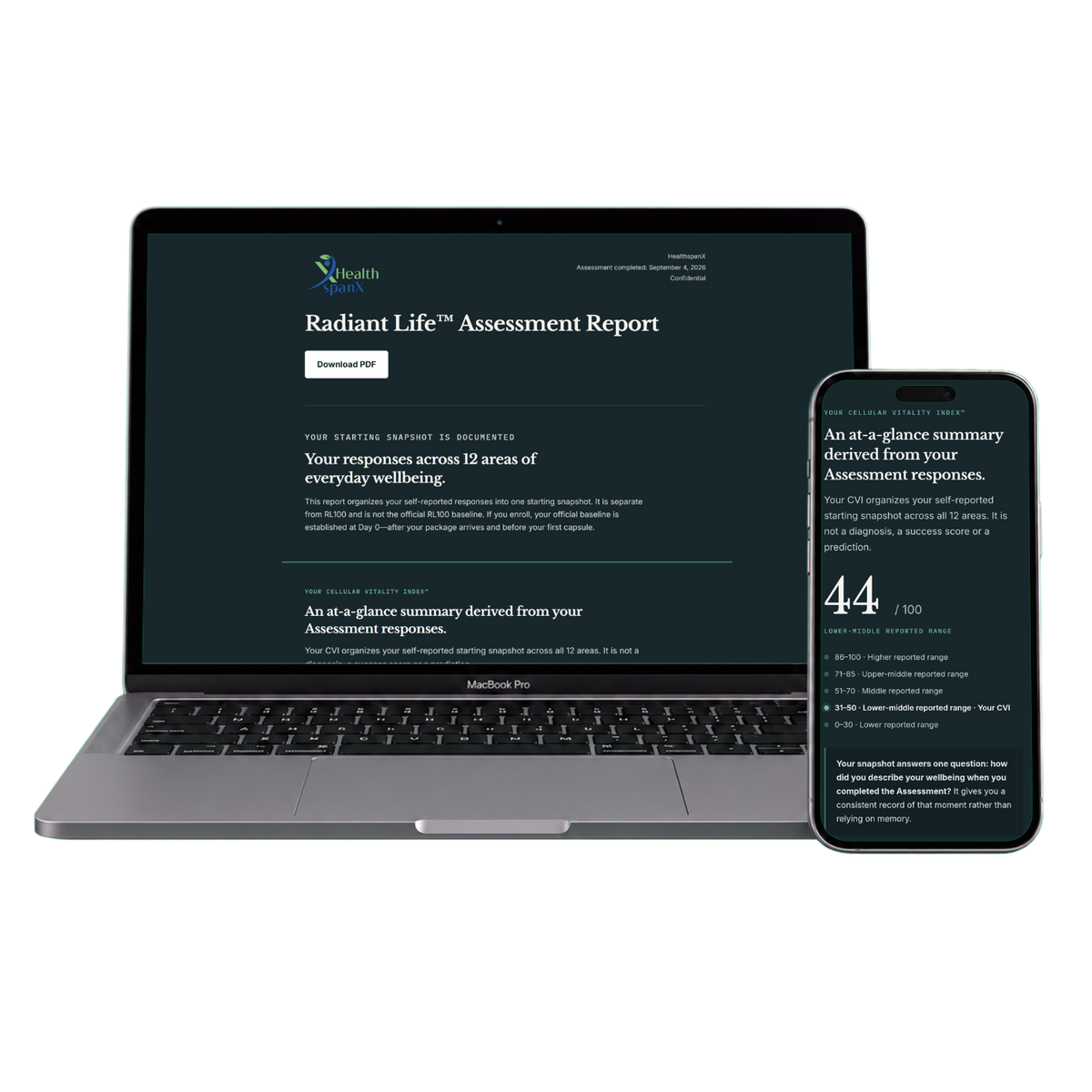
The Radiant Life™ Assessment is a self-reported snapshot of everyday wellbeing. It is not a medical or diagnostic assessment.
What you receive
The Assessment organizes your answers into a report you can review and keep—so you see the full pattern instead of thinking about each area separately.
An at-a-glance summary of your responses across the full Assessment.
See your current scores across energy, sleep, recovery, mental clarity, skin and more.
Identified from the three lowest scores in your current responses. They are not diagnoses or prescribed priorities.
What the Assessment covers
These 12 areas create a consistent snapshot of everyday wellbeing. Some overlap with NMN research endpoints, but the evidence does not show that NMN supports all 12.
Questions
No. The Assessment is designed to document where you are today. If you are considering NMN, completing it first gives you a starting snapshot before you decide.
Yes. It takes about five minutes, requires no purchase and gives you a report you can keep.
No. It is a self-reported informational tool. It does not diagnose a condition or recommend a treatment.
Your email is used to start the Assessment and to deliver and help recover your report. Marketing is optional and is sent only if you actively select the separate checkbox. Your responses are used to generate your Assessment Report. See our Privacy Policy .
Ready to begin?
Enter your email to begin. We need it to start the Assessment and deliver your personal report based on your responses across all 12 areas.